Roles & Access controls which built-in role can reach which page or module — without a code deploy. Changes are stored as access rules in the database and take effect for affected users on their next page load (other server workers pick the change up within about a minute). Admins are always allowed on configurable pages, so you cannot accidentally lock yourself out.
The built-in roles are admin, manager, staff, accountant, and executive. (The salesperson role is fixed to the Leads area and never appears as a column here.)
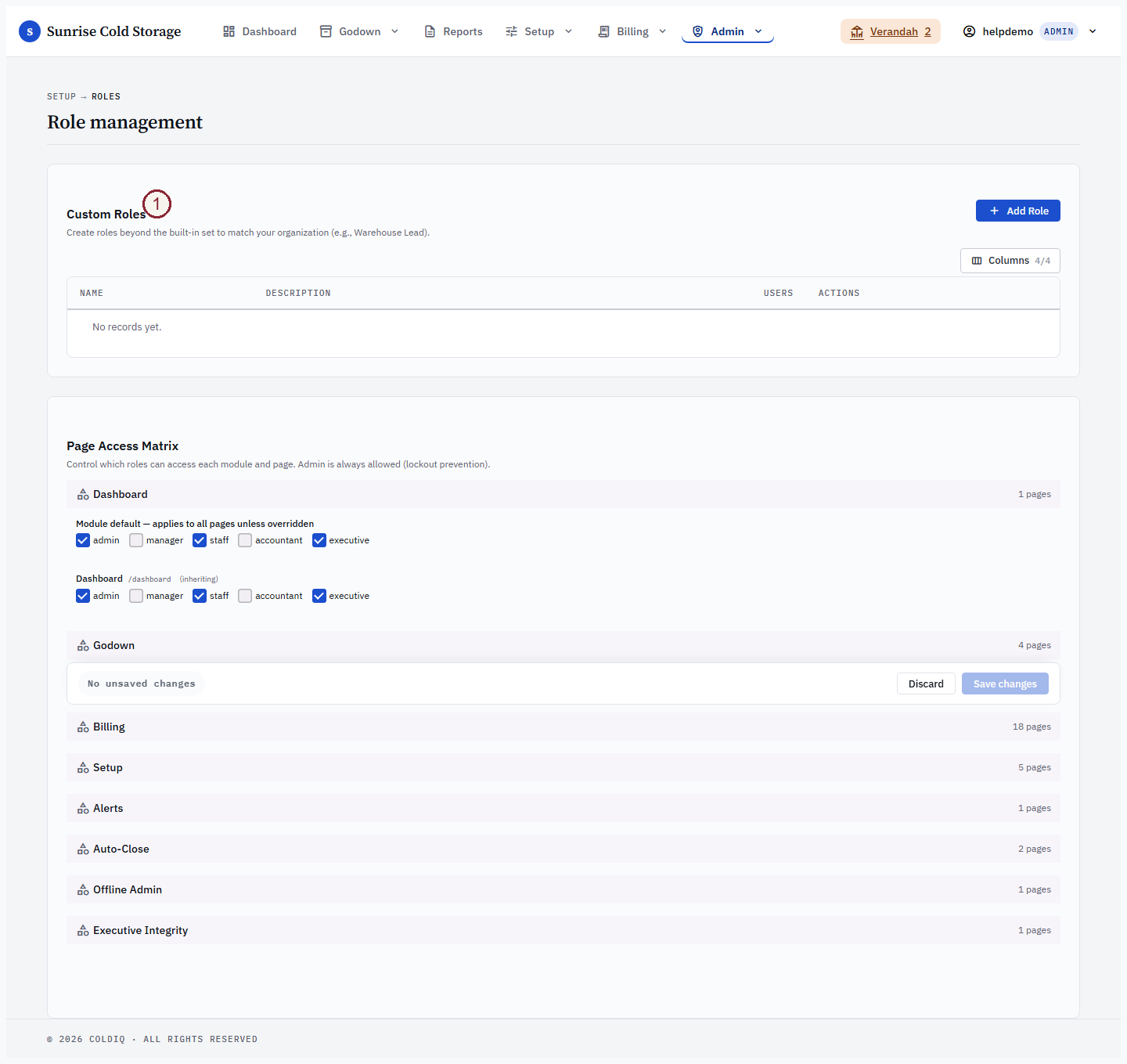
Step 1 — Open the Roles page
From the top navigation choose Admin → Roles (/manage/roles). The page is hardcoded admin-only — it is never itself reconfigurable, which is the safety net against admin lockout.

Step 2 — Read the access matrix
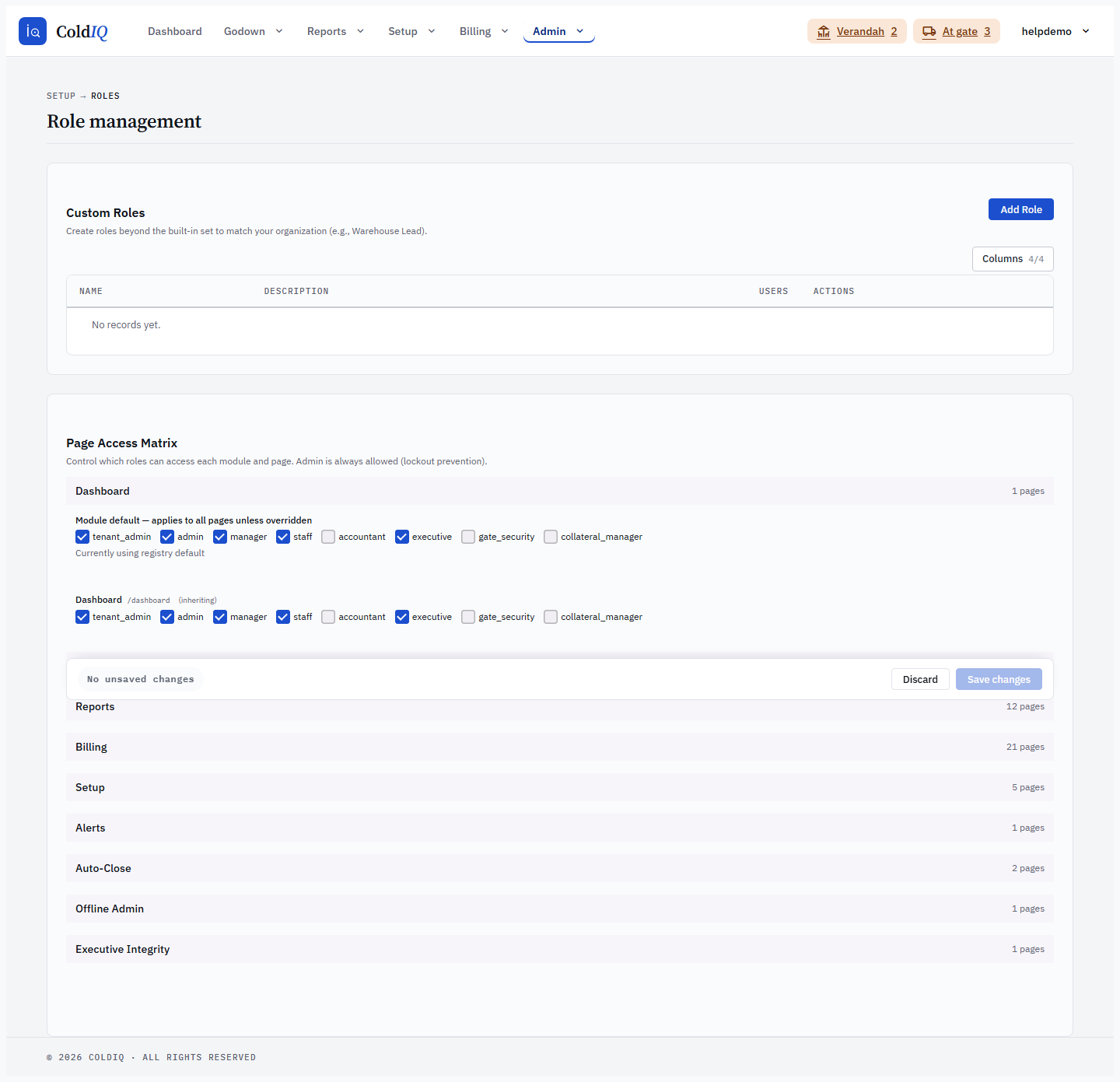
Each configurable module is a collapsible row. Expand one to see its Module default rule on top, then each page underneath. A page row marked (inheriting) is using the module default; a module row marked Currently using registry default has no custom rule yet and falls back to the shipped default.
The admin checkbox is locked-on for every normal module — it cannot be unticked.
Step 3 — Grant or remove a role
Tick a role's checkbox to grant access, or untick it to remove access, on either the module default row or an individual page row. A page-level rule overrides the module default for that page only.
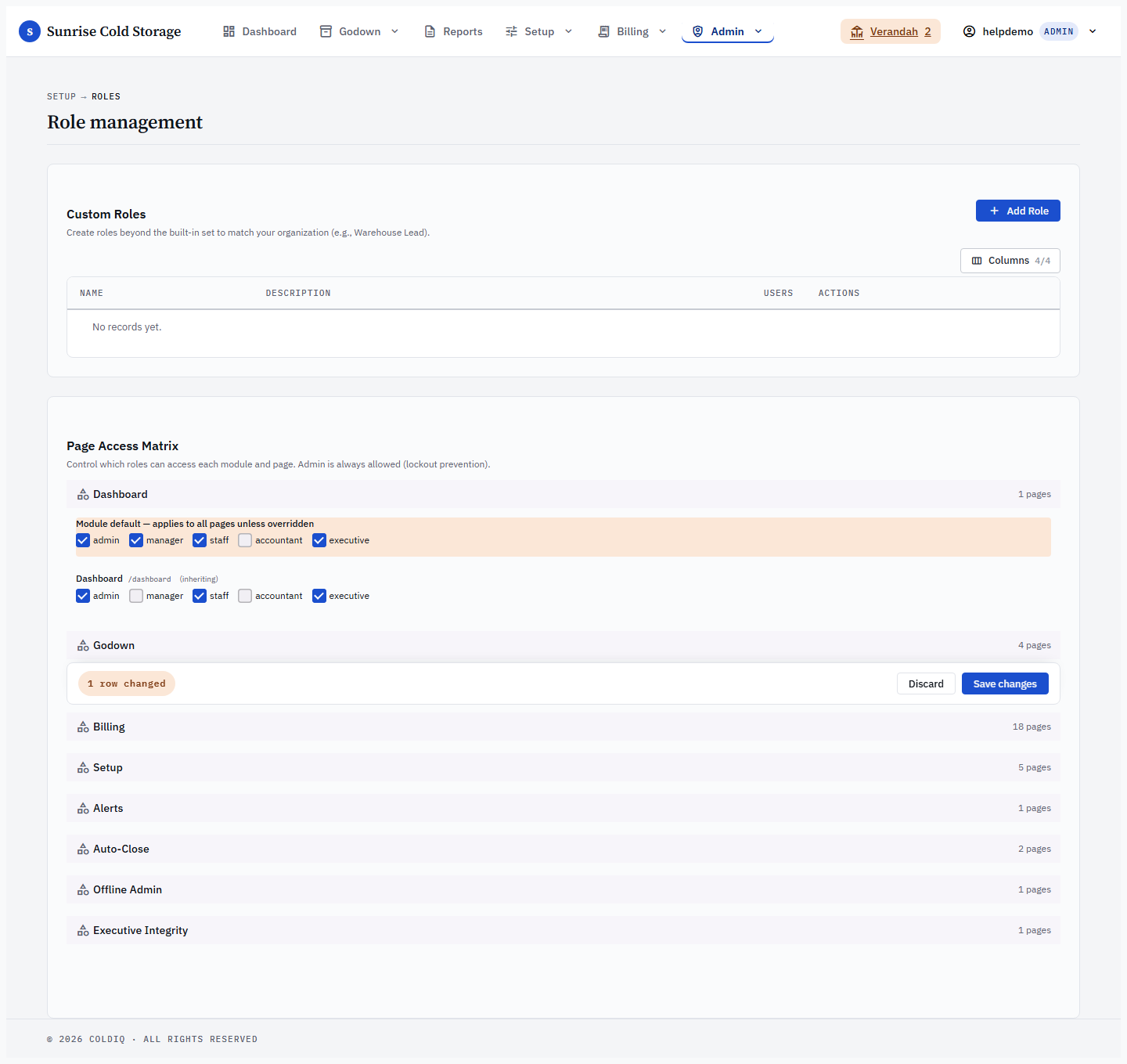
Step 4 — Save the row
Click Save on that row. The matrix re-renders with the new rule applied, and the cache is invalidated automatically so the change propagates to other workers within ~60 seconds.
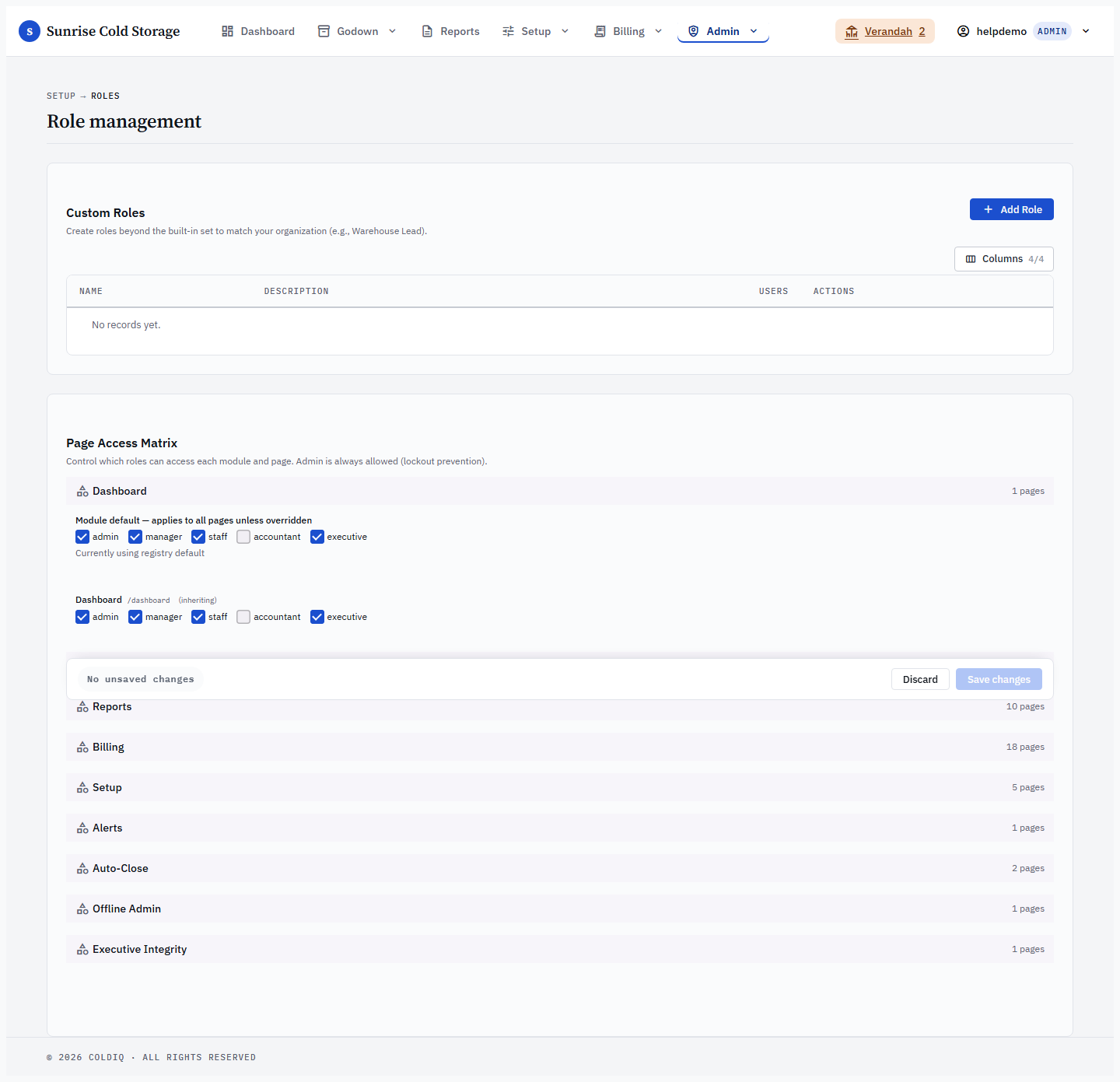
Step 5 — Reset to default (optional)
To undo a customisation, click Reset on the row. You will be asked "Revert to registry default?" (module row) or "Revert to inherit?" (page row). This deletes the custom rule and falls back to the shipped default / module inheritance.
Actions inherit access from their page
The matrix decides who can open a page, but the same rule also gates the actions performed from that page. When you grant a role access to a page, you are granting it the buttons on that page too — there is no separate row to tick for "can run the report" or "can add a bag size". A role that can reach Reports can run the reports; a role that can reach Bag Sizes under Setup can add and edit bag sizes. The action borrows the page key's resolved rule directly (page rule → module rule → registry page default → registry module default), so changing a row in the matrix moves both the page link and its in-page actions together.
This page-inherited model keeps the matrix small: most everyday create / edit / delete buttons are covered by the page they live on, rather than needing their own column. When you widen or narrow a page row in Step 3, expect the corresponding buttons to appear or disappear for that role on their next page load.
Actions you cannot reach are hidden, not shown-and-blocked
When a role does not have access to an action, the control is hidden from the screen — it is not shown with a permission error waiting behind it. A page link a role can't reach is dropped from the navigation entirely (the module's whole dropdown is hidden if the role can't reach any page inside it). A button a role can't run isn't drawn on the page. There is no "greyed-out but clickable" middle state for these in-page actions: if you can see the button, your role can use it.
The server still enforces the rule even if a control is reached some other way — a denied action returns an inline "Permission denied" message in place of the result rather than carrying out the operation. But in normal use a role only sees the pages and buttons it is actually allowed to use, which is why the matrix is the single place to widen what a role can do.
A few money / legal actions are deliberate exceptions to plain page inheritance — Raise Bill, Waive Bill, Record Payment, and the Void actions on Bonds and Release Orders. These keep their own narrow rule and do not widen just because you granted the parent Billing or Bonds page to a role. Granting someone the Billing dashboard does not let them waive a bill; that stays admin-tight until you change its own rule.
If this breaks
- A module or page isn't in the matrix — Admin pages (Users, Audit, Roles, Settings, Review Queue) are not configurable by design and stay admin-only; they never appear here. You cannot grant another role access to them from this screen.
- The admin column shows "—" instead of a checkbox — that row is Executive Integrity, owner-only territory where admin is intentionally excluded ("Owner-only territory — admin cannot be granted access"). This is expected and cannot be changed here.
- Ticking salesperson does nothing — salesperson is hardcoded to the Leads area and is stripped from any rule on save; it has no column in the matrix.
- A user still can't see the page after you saved — confirm the user's assigned role under Admin → Users, then have them reload. Multi-worker deployments can take up to ~60 seconds to pick up the new rule.
- "Invalid module" / "Invalid page for module" — the row's hidden key didn't match the registry (usually a stale page). Reload the Roles page and try again.
- A role can open a page but a button is missing — the button is an action gated by that page's rule, so a role that reaches the page should see it. If it's still hidden, the role probably reached the page through a broader module grant while the action is one of the money/legal exceptions (Raise Bill, Waive Bill, Record Payment, Bond/RO Void) that keep their own narrow rule. Grant that specific action's row, or have the user reload after the rule propagates.
- Granting the Billing page didn't let a role waive or raise a bill — that is by design. Raise Bill, Waive Bill, and Record Payment are standalone keys that never inherit from any page or module; the Bond and Release Order Void actions sit on their own admin-only page key. Either way, granting the parent Billing or Bonds page does not widen them — change each action's own row to do that.
Related
See also: Users, Audit Trail.